


Game Production
Lumen in Unreal Engine 5: Real-Time Lighting Explained
Lumen is the dynamic global illumination system in Unreal Engine 5. We explain how the real-time lighting works, how to enable it, and where its limits are.
Tim Rantzau

Game Production
MetaHuman by Epic Games creates photorealistic, animatable 3D humans for the Unreal Engine. We show how the tool works, what it can do, and what you need for it.
Building believable digital humans was for decades one of the hardest tasks in computer graphics. With MetaHuman, Epic Games has radically simplified this process. The tool creates photorealistic, fully rigged 3D characters for the Unreal Engine in a very short time. Its structure is reminiscent of a role-playing game's character editor, but behind it lies decades of development in digital human models, including by the companies 3Lateral and Cubic Motion, which are now part of Epic Games.
One important note up front, because a lot has changed here recently: MetaHuman started out as a cloud-based application in the browser. Since Unreal Engine 5.6 (2025), the Creator has moved entirely into the Unreal Editor. You now create and manage your characters directly in the engine, and the separate browser service and the detour via Quixel Bridge are gone.
When creating a new MetaHuman, you have numerous preset models to choose from, covering people of many ethnicities, age groups, and body types. You can mix several of them to create a character all your own. After that, you adjust nearly every detail via sliders and menus, from the shape of the nostrils to eye and hair color to clothing.
 MetaHuman starts with a selection of preset models as a starting point
Marketplace content and additional assets are now integrated via Fab, Epic's central content platform, which has replaced the former Quixel libraries.
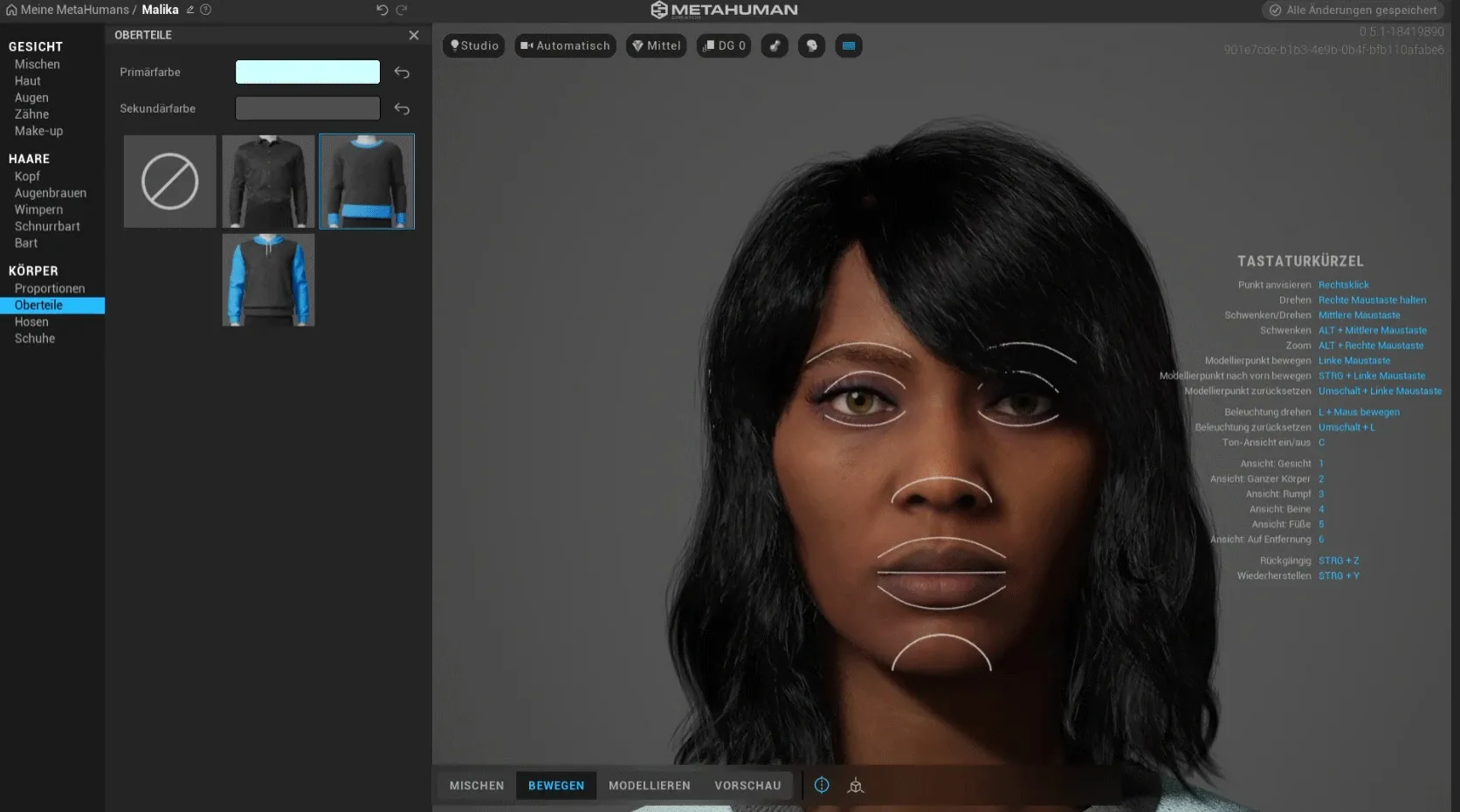 Nearly every detail can be adjusted with just a few clicks
The facial expressions and movements of MetaHuman models are anatomically correct and physically plausible, because the software derives its data from countless real-world body scans. Created MetaHumans are already fully rigged and can be brought to life in the Unreal Engine via keyframe animation or performance capture. Epic's own Live Link Face app is well suited for this, transferring facial movements via iPhone. Third-party solutions like ARKit or Faceware also work. With MetaHuman Animator, you can even capture a high-quality facial performance directly from the iPhone.
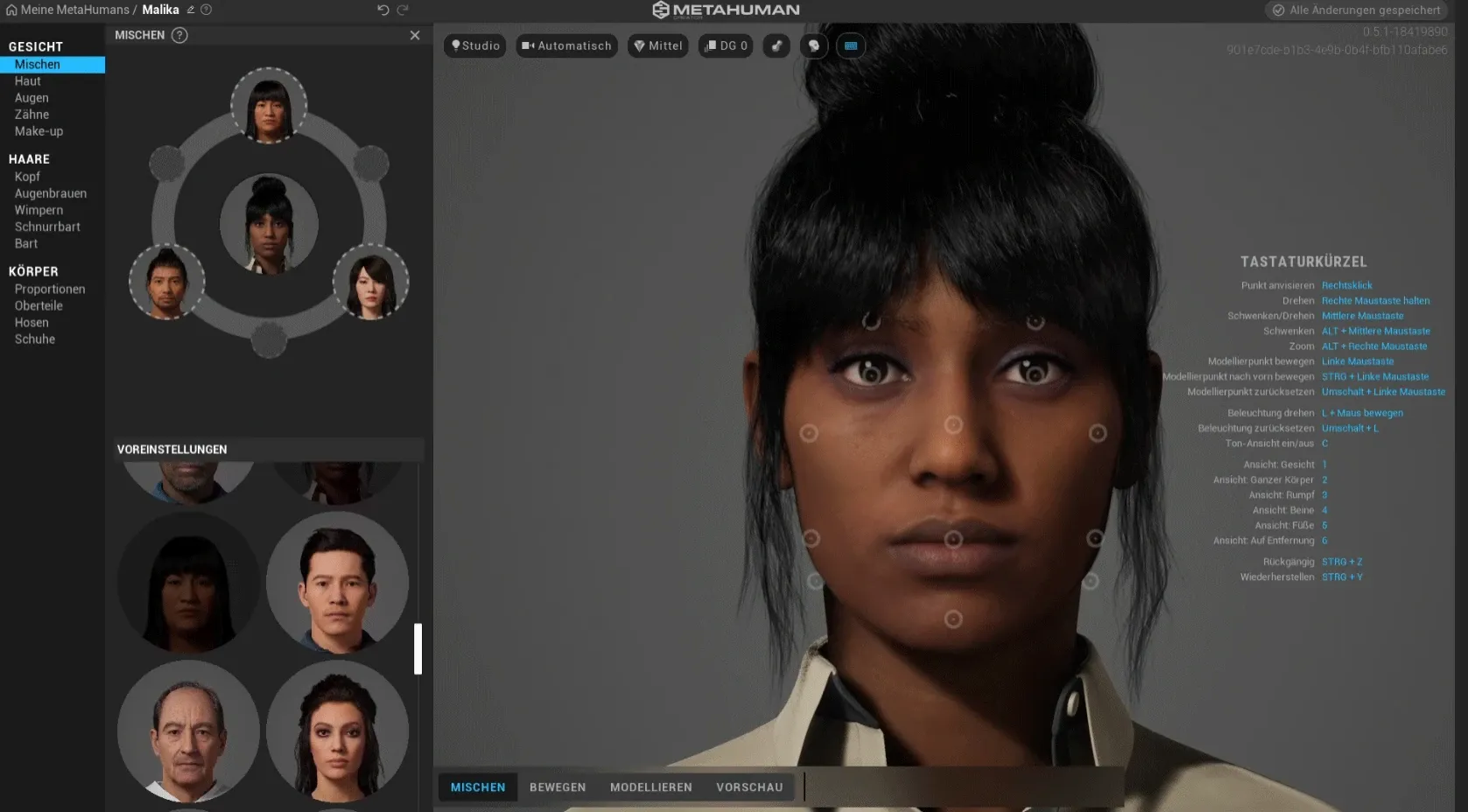 A powerful computer is one of the basic requirements for MetaHuman
The most important requirement is a powerful computer running Windows or macOS and an Epic Games account. Since the Creator now runs inside Unreal Engine 5, what you mainly need is a current version of the engine. MetaHuman is free, but the models you create are intended for use in the Unreal Engine and are rendered there. That is convenient, but it does make you as a developer somewhat dependent on the Epic ecosystem.
MetaHuman was developed primarily for games, but it plays to its strengths just as well in film, advertising, and interactive applications. Combined with a motion-capture system, the figures can also be used in VTubing and VStreaming to drive photorealistic virtual hosts. Together with Lumen and Nanite, MetaHuman is one of the building blocks with which the Unreal Engine made the leap to photorealistic real-time content.
Whether a virtual host, an interactive figure, or a photorealistic avatar: a convincing digital human needs more than a few sliders, namely clean setup, animation, and integration into a real-time environment. That is exactly what we build at Studio Merkas with the Unreal Engine. If you have an idea involving MetaHuman or digital characters, get in touch with us.

Ready to get started?
We appreciate your interest in working with us. Whether you have an idea, a proposal, a question, or need assistance in another area, we’ll get back to you quickly—within 24 hours.